Empathy

Empathy is a critical element of the user-centred design process and is crucial for understanding the users' needs and goals. It allows designers to put themselves in the users' shoes and understand their perspective, which is essential in creating a design that meets their needs.
One of the main ways that empathy can help UX designers is by allowing them to conduct user research that is more effective and accurate. Empathy allows designers to ask more relevant questions and gather more meaningful data during research. This leads to a better understanding of the users' needs and pain points, which informs the design process. For example, if a designer can empathize with a user, they can understand that the user might have a hard time seeing small text on a screen and can design a solution to increase the font size.

Empathy is also essential during the design process itself, as it allows designers to create solutions that are intuitive and easy to use. By understanding the users' perspective, designers can create more user-friendly interfaces, and that feels natural to interact with. For example, a designer that can empathize with a user that has difficulty navigating through a website can design a more intuitive navigation system.

Empathy is also vital during testing, as it allows designers to understand how users interact with the design and where they are experiencing difficulties. This helps designers identify and address any design issues and make improvements that lead to a better user experience. For example, when designers can empathise with the users, they can understand why a user might struggle to complete a task and can design a solution to make it easier.
Inclusive design is also one of the benefits of empathy in UX design. Empathy allows designers to create solutions that are accessible to all users, regardless of their abilities or background. This is crucial for creating designs that are inclusive and that do not discriminate against any group of users. For example, a designer that can empathise with a user that is visually impaired can design a website that is more accessible by including larger text and more contrast.
Steps
User Research: Conducting user research is a crucial step in incorporating empathy into the UX design process. It helps designers to understand the users' needs, goals, and pain points. This can include surveys, interviews, and user testing. By understanding the users' perspective, designers can create solutions that are tailored to their needs. For example, if a designer can empathise with a user, they can understand that the user might have a hard time seeing small text on a screen and can design a solution to increase the font size.
Empathy Mapping: Empathy mapping is a technique that helps designers to understand the users' thoughts, feelings, and actions in relation to a specific problem or task. It's a visual representation of the user's journey, which allows designers to understand the user's experience and empathise with them. In addition, empathy maps can include information such as user demographics, pain points, and goals, which helps designers to understand the user's perspective and create solutions that meet their needs.
Personas: Personas are fictional characters representing the different types of users for which the design is intended. They help designers to empathise with the users and to create solutions that meet their needs. Personas are based on the research conducted in the previous steps and enable designers to keep the users in mind throughout the design process.
User Testing: User testing is essential in incorporating empathy into the UX design process. It helps designers to understand how users interact with the design and where they are experiencing difficulties. By empathising with the users, designers can understand why a user might struggle to complete a task and can design a solution to make it easier.
Inclusive Design: Incorporating inclusive design principles is crucial in incorporating empathy into the UX design process. It allows designers to create solutions that are accessible to all users, regardless of their abilities or background. By empathising with users, designers can understand the needs of users with disabilities and design solutions that meet their needs.
Continuous Empathy: Empathy is not a one-time step; it's a continuous process. As the design changes, designers should continuously empathise with the users to ensure that the design is meeting their needs. This can include conducting user research and testing, as well as incorporating feedback from users into the design process.
In summary, incorporating empathy into the UX design process is crucial for creating solutions that truly meet the needs of the users. By understanding the users' perspective and empathising with them, designers can create solutions that are intuitive, user-friendly, accessible, and inclusive, which leads to better user experiences.
Empathy map
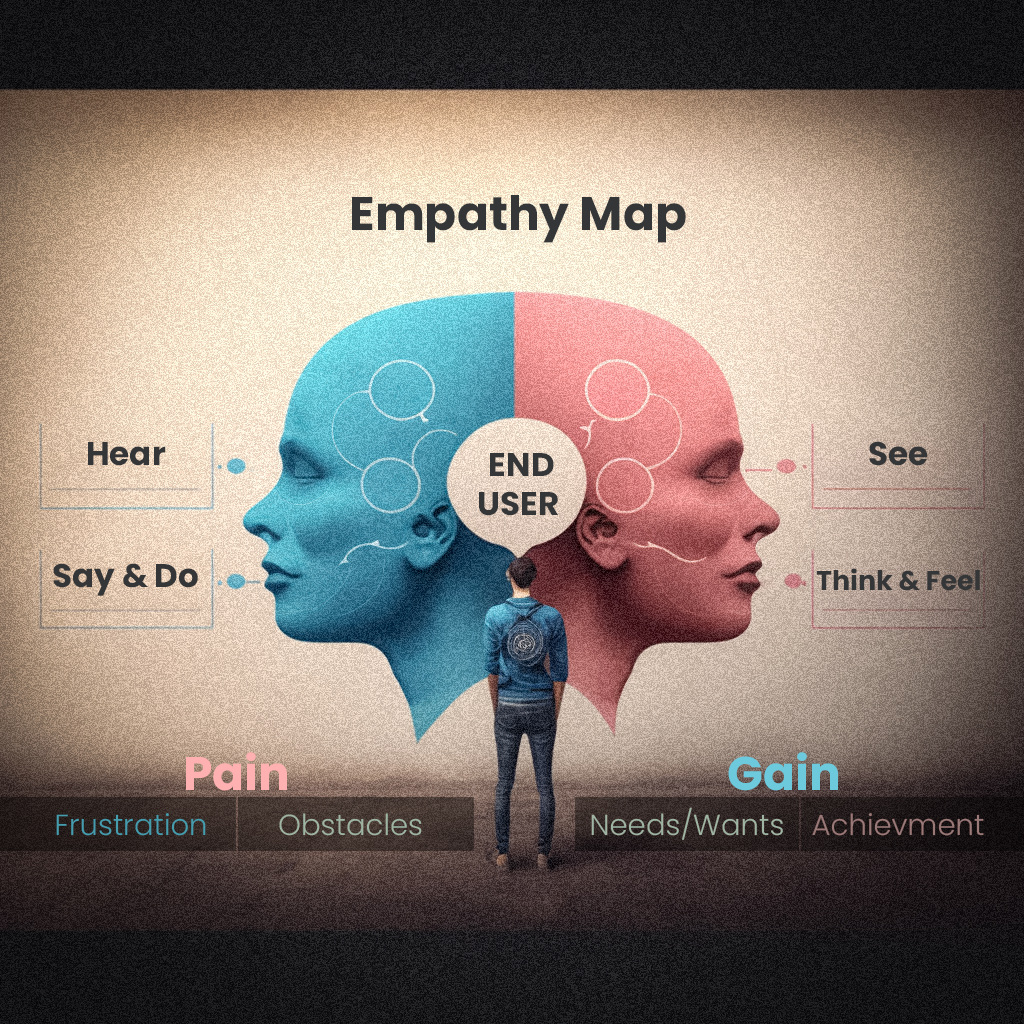
An empathy map is a visual representation of the user's experience, which is created by gathering information from user research. The map helps designers to understand the user's thoughts, feelings, actions, and pain points, which allows them to empathise with the user and create solutions that meet their needs. Here is more detail on the steps for creating an empathy map:
Gather Information: The first step in creating an empathy map is to gather information about the users, their needs, and the goals of the project. This information can be obtained through user research, such as surveys, interviews, and user testing. It's essential to gather information from a diverse group of users to ensure that the map is representative of all the users.
Create a template: Once you have the information, create a template for the empathy map. The template should have four quadrants: "Think & Feel", "Say & Do", "Hear & See", and "Pain & Gain". Each quadrant represents a different aspect of the user's experience. For example, the "Think & Feel" quadrant would include the user's thoughts, feelings, and emotions, while the "Say & Do" quadrant would include the user's actions and behaviours.
Fill in the template: Use the information gathered from user research to fill in the template. Be specific and use quotes or examples to make it more accurate. The empathy map should be detailed, and it should provide a clear picture of the user's experience.
Review and revise: Review the empathy map to ensure that it accurately represents the user's experience. Revise the map as needed to reflect the user's needs and goals better. It's essential to make sure that the map is accurate and that it provides a clear picture of the user's experience.
Use it to inform design: Use the empathy map to inform the design process. The map provides a detailed understanding of the user's experience, which can be used to create solutions that meet their needs. The empathy map should be used as a reference throughout the design process.
Keep it updated: Keep the empathy map updated throughout the design process. As the design changes, continue to gather feedback from users and update the map accordingly. This will ensure that the map accurately represents the user's experience and that the design meets their needs.
Persona
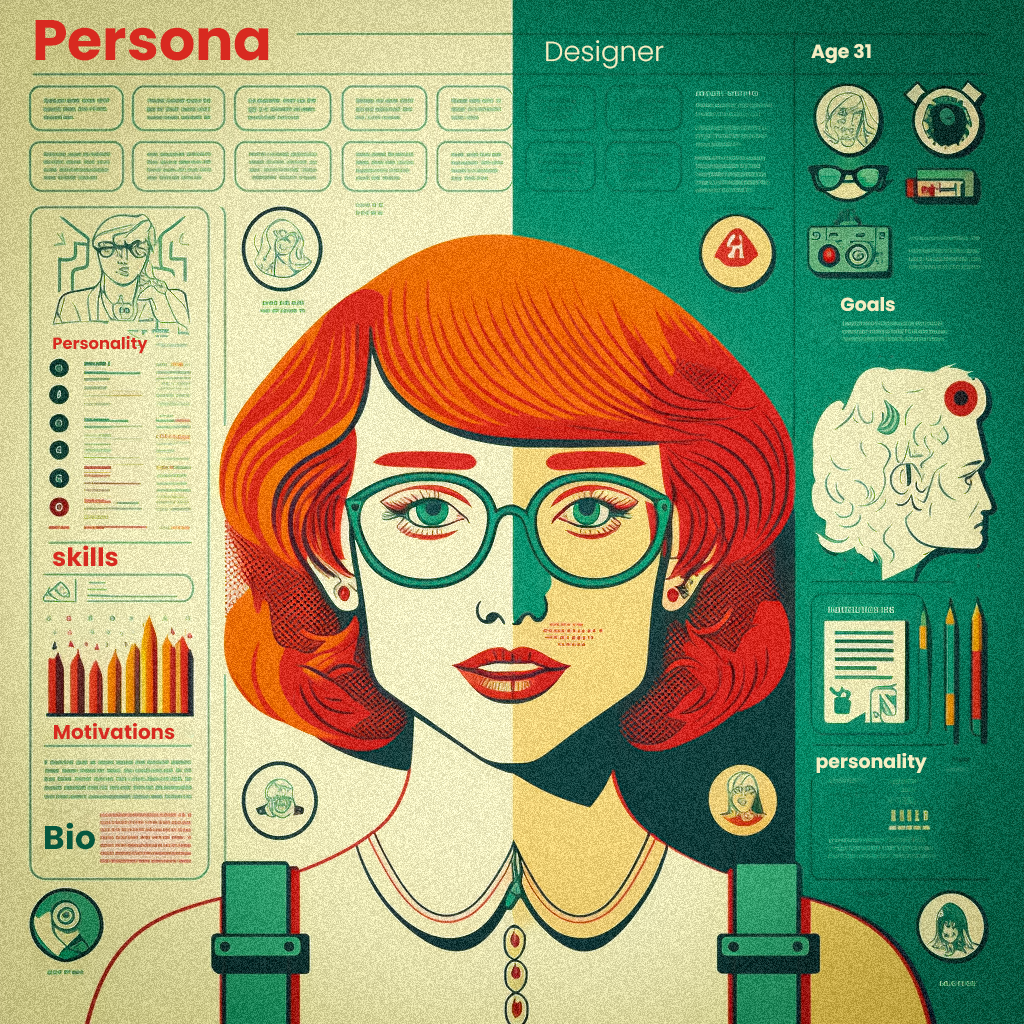
Creating personas is a professional and essential step in the user-centred design process, as it allows designers to understand the needs, goals, and characteristics of the users they are designing for. Personas are fictional representations of the target users based on research conducted during the early stages of the design process. They help to humanise the users, provide a clear understanding of their needs, goals, and pain points, and serve as a reference throughout the design process. Here is a more detailed explanation of how to create personas professionally for a UX designer:
Define the research plan: Before conducting any research, it's essential to define a research plan that outlines the objectives, methods, and schedule of the research. This will ensure that the research is conducted in a structured and professional manner.
Conduct user research: Gather information about the target users through various research methods such as surveys, interviews, focus groups, and observational studies. This information should include demographic data, behaviours, goals, pain points, and users' motivations.
Analyse the data: Once the research is completed, analyse the data to identify common user patterns and themes. This will help to identify different segments of users based on their characteristics and needs.
Create a persona template: Create a template for the personas that includes all the relevant information that needs to be included, such as demographics, behaviours, goals, pain points, and motivations.
Create personas: For each user segment identified, create a persona representing that group of users using the template as a guide. It is important to provide as much detail as possible, to make the persona as realistic as possible.
Validate the personas: The personas should be validated with real users to ensure they are accurate and represent the target users.
Use the personas: Once they are created, use them as a reference throughout the design process. They will help the design team to keep the users in mind and to make design decisions that align with the users' needs and goals.
Journey map:
A user journey map is a visual representation of a user's steps to complete a specific task or achieve a particular goal. It helps to understand the user's experience and identify pain points and opportunities for improvement. Here is a more detailed explanation of how to create a professional user journey map:
Define the scope: Before creating the user journey map, it's essential to define the scope of the map. This includes the task or goal that the user is trying to achieve, the users that the map represents and the specific touchpoints or interactions that will be included in the map.
Gather information: Gather information about the user's experience through various research methods such as surveys, interviews, and usability testing. This information should include the user's thoughts, feelings, and actions at each touchpoint.
Create a template: Create a template for the user journey map that includes all the relevant information that needs to be included, such as the user's thoughts, feelings, and actions at each touchpoint.
Create the user journey map: Use the template and the information gathered to create the user journey map. The map should include all the touchpoints or interactions that the user goes through to complete the task or goal and should represent the user's thoughts, feelings, and actions at each touchpoint.
Validate the map: The user journey map should be validated with real users to ensure it accurately represents their experience.
Use the map: Once the user journey map is created, it can be used as a reference throughout the design process. It helps to identify pain points and opportunities for improvement and can inform design decisions to improve the user experience.
In conclusion, creating a professional user journey map requires a well-defined scope, gathering information about the user's experience, creating a template, creating the map, validating the map with real users and using the map as a reference throughout the design process. This process allows us to understand the user's experience, identify pain points and opportunities for improvement and make design decisions that improve the user's experience.